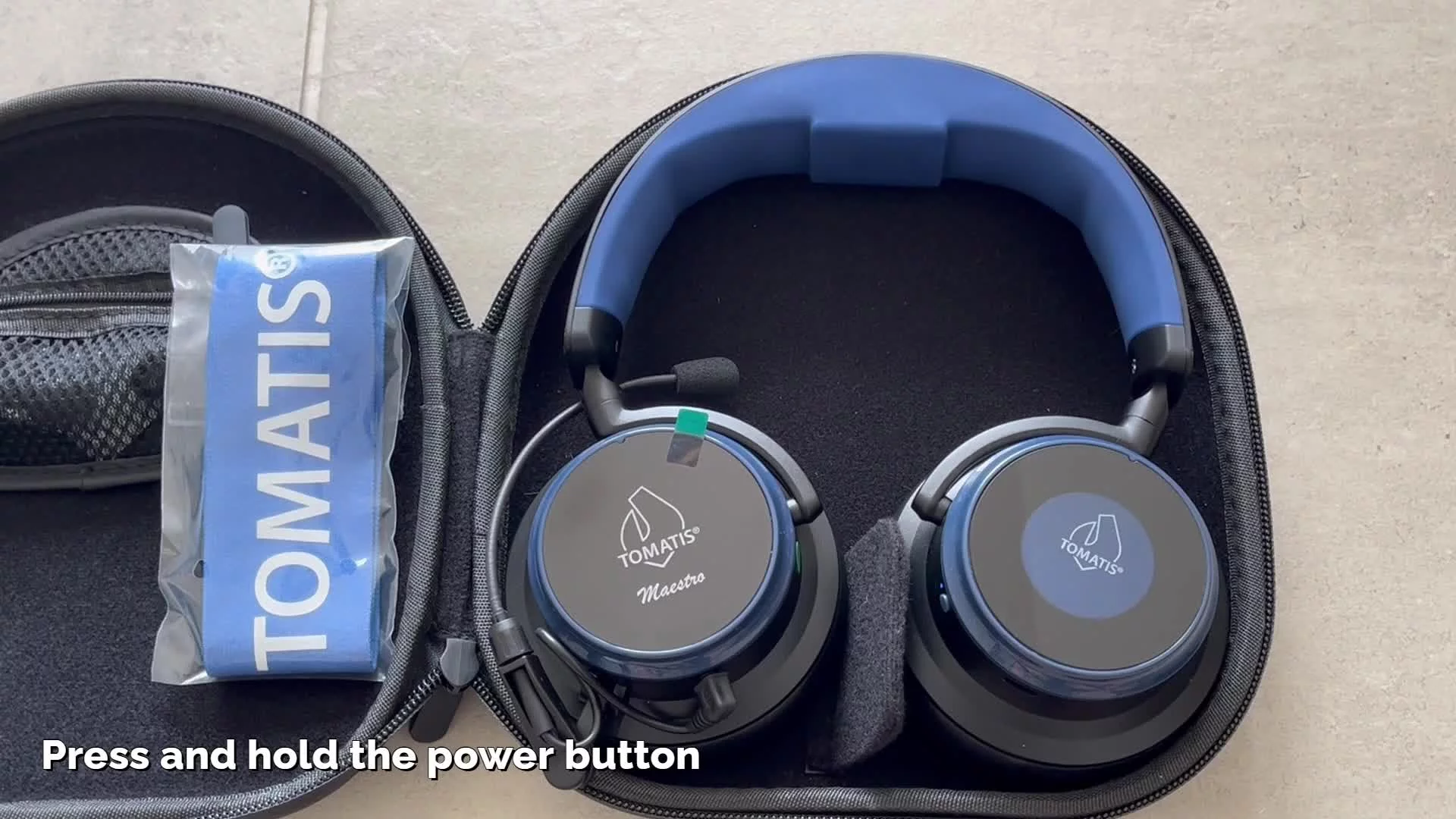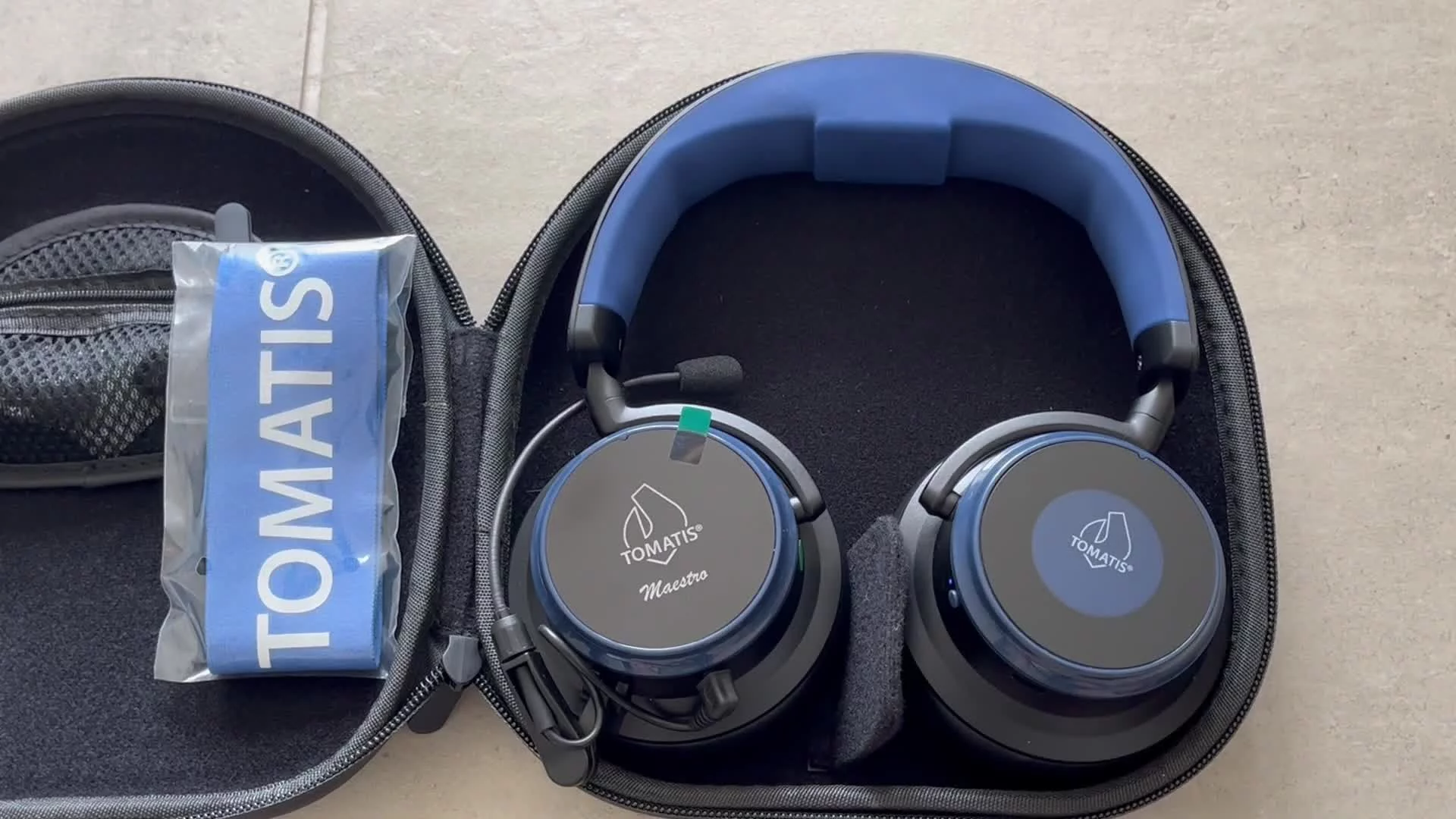
Maestro headphones - pairing Bluetooth
Pair your Maestro to a device that supports Bluetooth connection, such as a phone or laptop.
The initial pairing may take a bit longer to establish. Once the pairing is done the devices will remember each other for next time.
Use your Maestro to access audio such as a Spotify playlist. Note: The Tomatis® bone conduction is disabled when in Bluetooth mode for safety purposes.
Previous
Maestro headphones - lock screen
Next